



Why UX Matters in Hardware: Designing Products People Love to Use
The financial effects of design flaws make UX’s role in hardware crystal clear. Software updates are relatively simple to push out. However, making changes to hardware at later stages can run into millions of pounds to retool. Today’s tech job market shows a worrying gap in Hardware Interaction Design (HID) expertise.
Physical products need a different UX approach than digital ones. Hardware development teams must make key decisions early. Any course corrections get very pricey down the line. A product’s design becomes almost set in stone once the prototype moves to tooling. Teams can only make minor aesthetic tweaks after that point. Many companies miss this crucial fact – UX needs to be at the forefront of hardware development from day one.
This piece dives into UX design’s critical role in hardware. We’ll look at how Hardware Interaction Designers shape a product’s success and the steps companies should take to avoid getting stuck with expensive mistakes. A product’s success depends on understanding its users’ physical and personal connection with it.
The early stage most companies skip
Hardware companies often jump straight into development without proper UX research. They skip a stage that could determine if their product succeeds or fails. This creates problems that become harder and more expensive to fix as development moves forward.
Why UX in hardware must start at concept level
Teams should start hardware UX research during the pre-concept phase, not after development begins. The research helps teams understand the physical and personal connection between users and the product. Research at the concept stage gives development teams vital information about users, unmet needs, and how people use the product.
Your team needs a clear picture of what they’re building before device development starts. They should research similar devices to learn how people interact with them. Early-stage testing helps teams understand their core focus and saves money on future models. It also reduces waste and lets teams adjust features to match user needs better.
The cost of late-stage design changes
Skipping early UX research leads to staggering financial costs. Digital experiences can be fixed after launch, but hardware changes—like re-tooling—can cost millions. Product launches without early hardware testing risk something even worse: users might lose trust in your brand.
Design change costs follow an exponential trend. The deeper you go into manufacturing, the steeper these costs become. Late-stage changes create a ripple effect where a small design flaw could have been fixed digitally for almost nothing. Instead, it might need new validation, certification work, and scrapping expensive components if found after production.
How early prototyping helps avoid failure
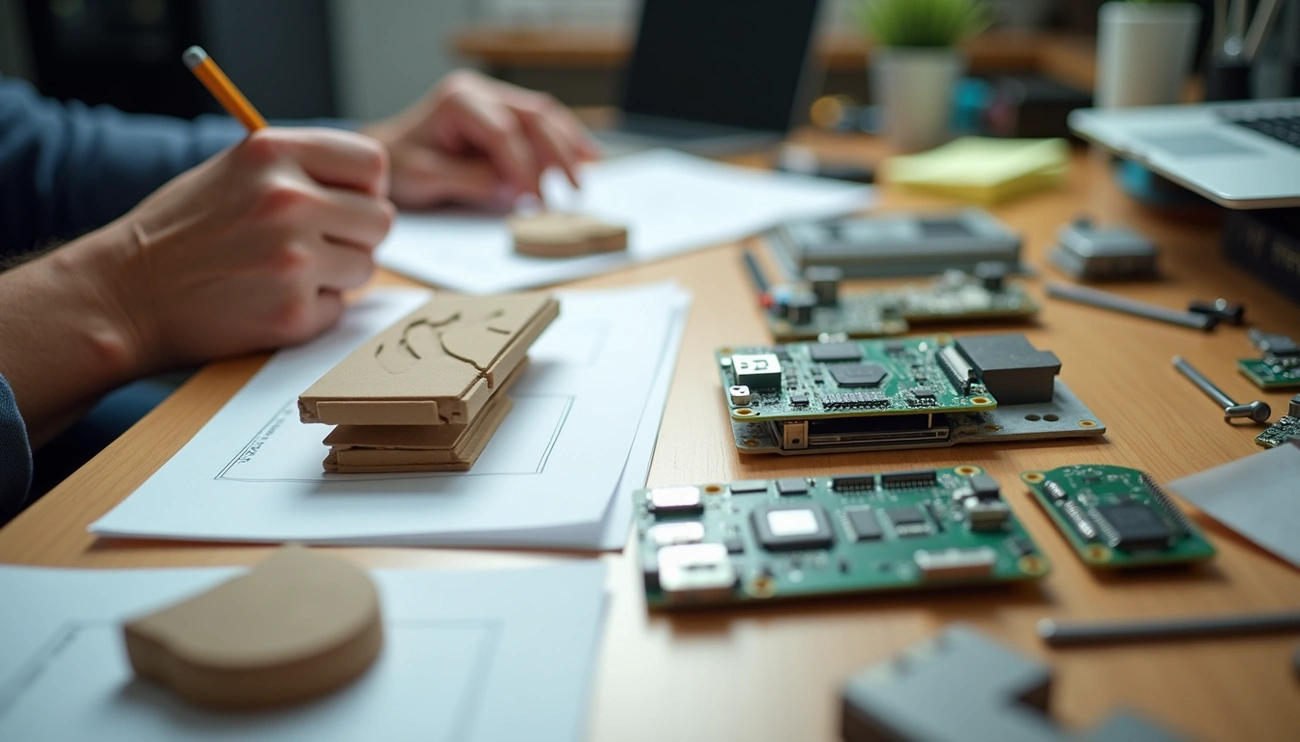
Early-stage prototyping offers a practical way to solve these problems. Teams can use simple physical models like foam core or 3D printed prototypes instead of finished hardware. Development teams should focus on quick iterations and test their ideas with minimal investment.
Simple model making with clay, cardboard, foam, and even LEGO helps designers work fast and cheap to develop spatial concepts. When teams test these early prototypes with potential users, they make better design decisions that match customer needs. This reduces bad reviews after release and increases the chance of product-market fit.
Defining the right experience before building
Hardware product success starts with interaction design – designing both “the right thing” and “designing the thing right.” This difference sits at the core of successful hardware development. The cost of changes rises sharply as development moves forward.
What is UX and why is it important in hardware
User experience in hardware goes beyond screens or buttons – it includes the complete physical relationship between users and products. Hardware UX requires understanding how a product fits into the user’s lifestyle. Physical interfaces should blend naturally with that lifestyle. Software UX targets digital interactions. However, hardware UX must address the human body, anthropometric measurements, ergonomics, and multi-sensory factors.
Hardware UX tells a bigger story than meeting government specifications. It builds emotional connections through smart control layouts, well-chosen textures, and easy-to-use operations. People often see hardware products as extensions of themselves. This physical connection plays a vital role in adoption and satisfaction.
The role of pretotyping and user validation
Pretotyping serves as a key step before investing in full prototypes. Teams can verify whether they should build something rather than if they can build it. Prototyping answers “can we build it?” Pretotyping tackles a vital question: “should we build it?”
Palm Computing’s founder shows a great example. He carried a wooden mockup of his Palm Pilot concept for weeks to verify its value before starting development. Teams can test multiple product elements quickly and cheaply this way. The data helps shape future development decisions.
Balancing user needs with technical constraints
User desires and technical limitations create an ongoing challenge. Hardware development needs many upfront decisions. Changes become too expensive later. Technical teams adapt to meet design requirements. UX teams adjust their creative ideas to work within technical limits.
The best results come from ranking features based on user value and technical feasibility. Teams use frameworks like MoSCoW or Value vs. Complexity matrices. Smart teams see this as strategic planning, not compromise. They encourage designers and engineers to communicate throughout development.
Designing for real-world use
Physical devices need attention to multi-sensory interactions that digital-only experiences don’t require. Hardware UX research focuses heavily on the user’s physical body and environment because people experience hardware as extensions of themselves.
Designing gestures, haptics, and feedback loops
The relationship between hardware and users needs sophisticated gesture and haptic systems that respond naturally to human movement. Modern 3D gesture recognition detects hand positions up to 200mm above a panel surface. The system turns movements into x, y, and z coordinates. Good gestures should be sequential (like pointing to an object then taking action) or simple enough for users to perform without instructions.
Haptic feedback bridges the gap between digital intention and physical confirmation. These tactile sensations make virtual interactions better and give key information through vibrations, motions, or forces that feel like real-life touch. Haptics help users find their way through spatial interfaces and create deeper experiences.
Feedback loops in hardware development link design decisions with user reactions. Teams can refine products through repeated testing. Hardware teams should ask for feedback after completing features with simulations. Teams must collect responses from real customer representatives, not just internal staff, once they have pilot hardware.
Creating intuitive physical interactions
A user-friendly interaction lets people work fast, almost without thinking, and usually accurately based on their past experience or tech knowledge. The best design strategy uses physical affordances that tap into users’ natural understanding of the world.
Good user-friendly interfaces in hardware strike a balance between simplicity and function. Touch elements must stay at least 1×1 cm whatever the display size because our fingers don’t shrink for smaller screens. The main goal remains creating smooth experiences that feel like real-life button presses or tactile feedback.
Why UX design matters in hardware environments
Hardware flaws become permanent parts of products, unlike software updates that can be pushed remotely. After tooling a prototype, only small aesthetic changes remain possible. This permanence makes hardware UX crucial.
Hardware UX teams must think about anthropometric measurements—the scientific study of body measurements—along with ergonomic and aesthetic elements. These physical aspects directly affect user satisfaction but often get overlooked until late in development.
Examples of overlooked hardware UX details
Teams often miss proper button sizing, control positioning, and enough tactile difference between elements. The strength of vibration feedback matters—strong feedback should match important events, while light haptics work better for frequent interactions.
Gesture recognition accuracy often gets overlooked. Users quickly give up on technology if gestures get misread or take too much effort. Many hardware products also fail to adapt to different environments—they don’t ensure gestures work well in various lighting conditions and backgrounds.
Learning from users after launch
A product’s trip through hardware UX continues well past its launch. This milestone actually kicks off what might be the most valuable learning phase. Products in customers’ hands give an unmatched view into their ground usage patterns.
Using data and observation to refine UX
Hardware products with integrated software offer remarkable advantages through usage tracking. This quantitative data gives evidence-based insights that improve customer experience. Users observed “in the wild” through natural observation show behaviours that lab testing might miss. This method gets more and thus encourages more qualitative outputs that quantitative research alone might overlook.
Observations should focus on what users actually do compared to expected behaviours. Their routines and activities show how products combine smoothly into their lives, beyond just the product itself.
How feedback loops improve future iterations
Feedback loops connect user reactions to design decisions. This creates a system where insights shape decision-making. Hardware interaction designers look at metrics like sensor data, battery life, and user interactions. These combined with qualitative observations help learn about strengths, weaknesses, and areas to improve.
Evidence-based analysis paired with observational insights forms a vital feedback mechanism. This helps teams iterate designs, refine features, and spot areas to innovate. The process works in cycles – teams collect feedback, analyse trends, make changes, and share results with users. This systematic approach helps hardware evolve and better serve user needs with each iteration.
Conclusion
Hardware UX presents a fundamentally different challenge than software design. Many companies don’t recognise this difference until mistakes get pricey. This piece shows how bypassing early research phases results in expensive corrections later – these might cost millions in re-tooling instead of simple code updates.
Research clearly shows we need to start UX research at the concept level. Successful hardware teams confirm ideas through pretotyping and low-cost physical models before rushing into development. This approach saves resources substantially and builds products that truly meet user needs.
Users interact with hardware as extensions of themselves, so physical products need attention to multi-sensory experiences. Button placement, gesture recognition, and haptic feedback become vital elements that shape the overall experience. Physical interactions create emotional bonds that software alone can’t match.
Technical constraints and user desires create a challenging balance. Prioritisation frameworks help teams direct these tensions productively. Teams that maintain effective communication between designers and engineers throughout development see substantially improved outcomes.
Product launch doesn’t mark the end of learning. Teams can gather data and observe real-life usage to gain informed insights for future iterations. This feedback loop completes the hardware development cycle and lets teams continuously refine their understanding of user needs.
Hardware UX needs a different mindset – one that acknowledges physical design decisions’ permanence and plans accordingly. Companies that accept new ideas will avoid costly mistakes and create more user-friendly, satisfying products that users truly love. The reality of hardware UX is simple: start early, test thoroughly, and listen to your users every step of the way.
FAQs
Q1. Why is UX design crucial for hardware products? UX design is essential for hardware products because it determines how users physically interact with the device. Unlike software, hardware changes are costly and difficult to implement after production, making early UX considerations vital for product success and user satisfaction.
Q2. How can companies avoid costly mistakes in hardware development? Companies can avoid costly mistakes by conducting UX research and prototyping at the concept stage. This early approach helps validate ideas, understand user needs, and identify potential issues before significant investments are made in development and tooling.
Q3. What role does pretotyping play in hardware development? Pretotyping allows teams to test whether a product concept is worth pursuing before investing in full prototypes. It involves creating simple, low-cost models to validate ideas and gather user feedback, helping to refine the product concept early in the development process.
Q4. How does hardware UX differ from software UX? Hardware UX involves designing physical interactions, considering ergonomics, and creating multi-sensory experiences. Unlike software, hardware UX must account for the user’s physical relationship with the product, including factors like gesture recognition, haptic feedback, and environmental adaptability.
Q5. Why is post-launch user feedback important for hardware products? Post-launch user feedback is crucial for hardware products as it provides real-world insights into how users interact with the device. This feedback helps refine future iterations, identify overlooked issues, and improve overall user experience, creating a continuous cycle of product improvement.